
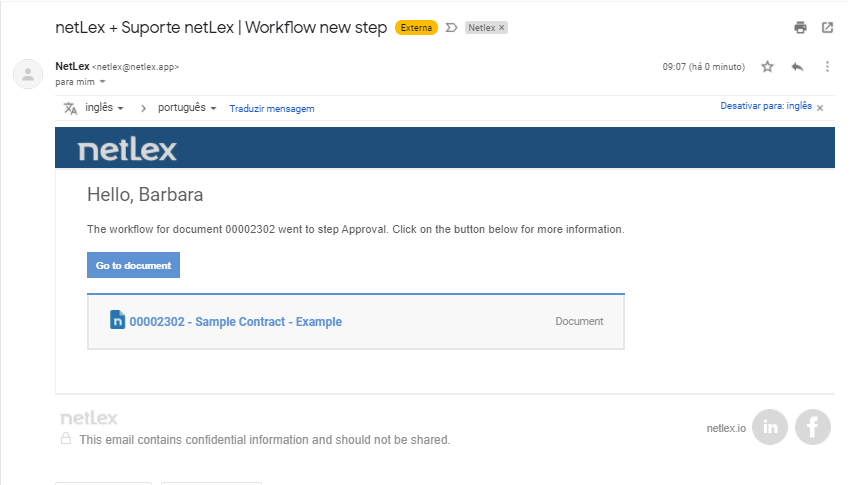
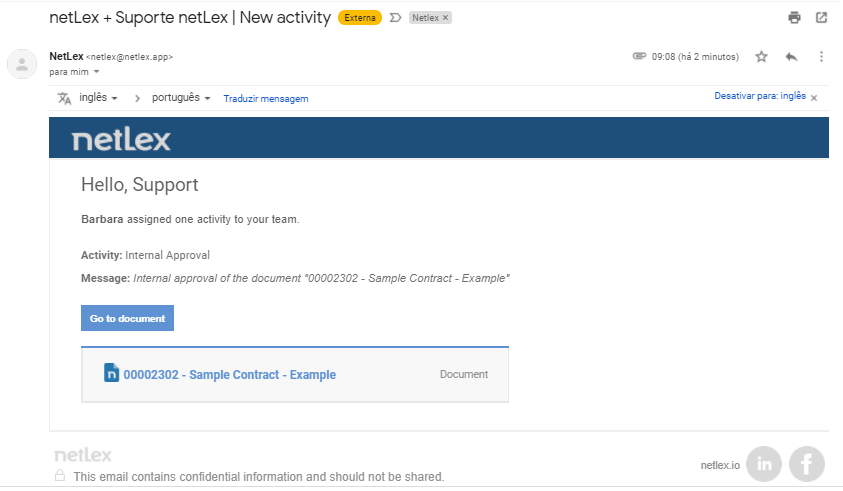
When a task is directed to you or your team, you will receive an email notifying you that you have a task to do. In this email, there will be a link that will take you to the document page, showing your information and the steps of your workflow.
Workflow new step:
New task:
When someone on the team assigns themselves responsibility for a task, everyone will be notified by email of that move as well. See how to take responsibility for a task assigned to your team in "Team responsibility for the activity".
If the task is specifically aimed at you, the option to approve or reject the document will appear in the email itself, and you can view it as an attachment. See more about this option under "Approval of a document".
Comments
0 comments
Please sign in to leave a comment.