
How to change the order which folders are displayed on the Documents screen
The order in which the folders are displayed to you on the Documents screen may not be the best. Therefore, you can change the order in which these folders are displayed to make your work easier.
For this, you must be on the platform's Documents screen. Next, you need to open the folder menu as shown in the image below.
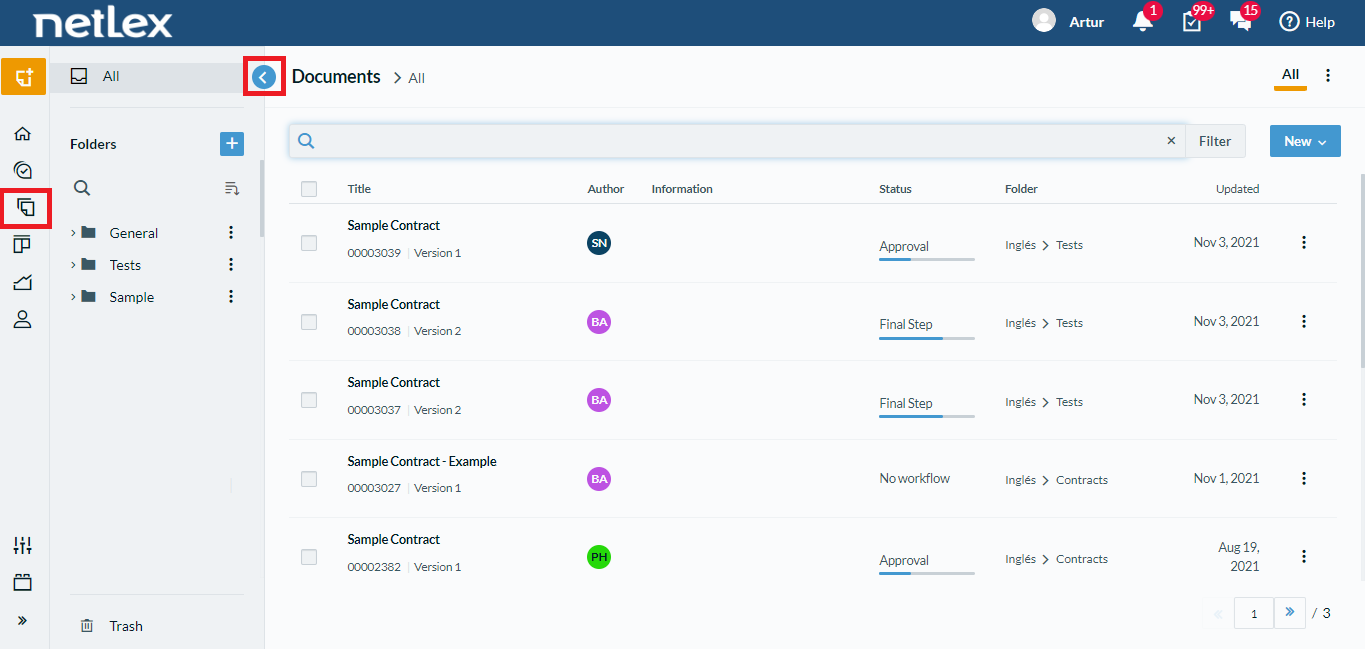
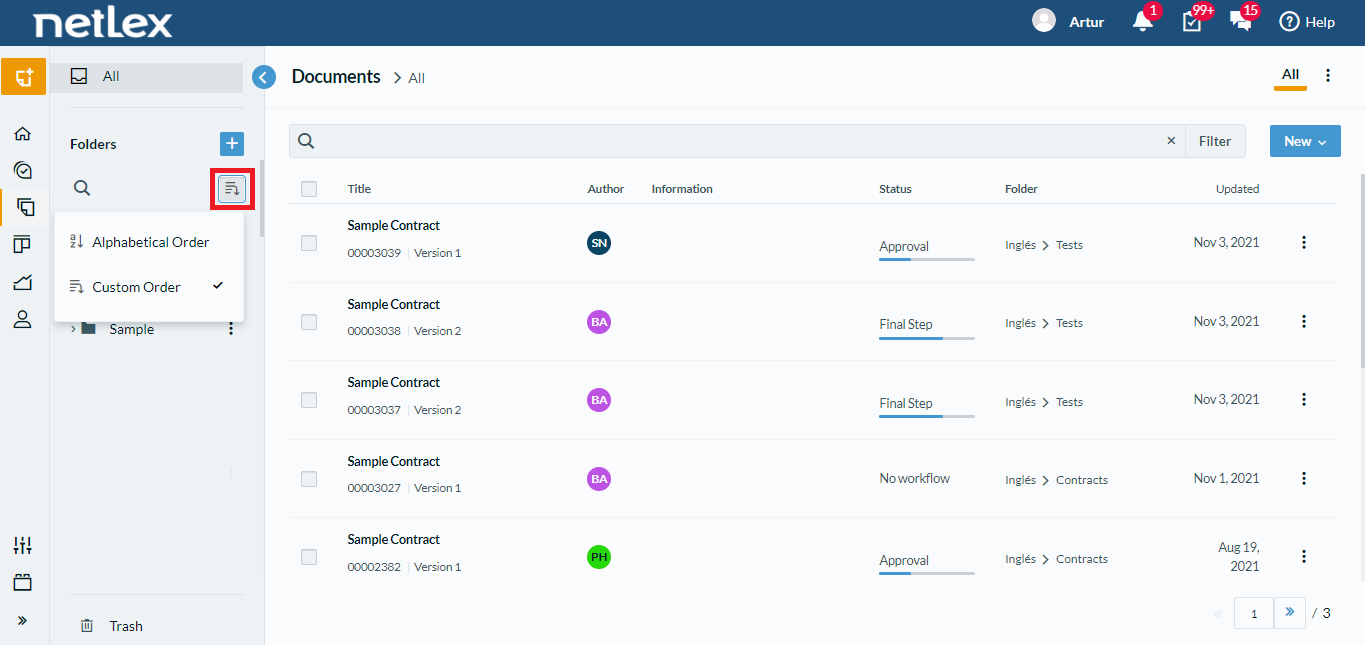
After that, just click on the button highlighted in the image below, and you can change the order you want. There are two options: alphabetical order and custom order.
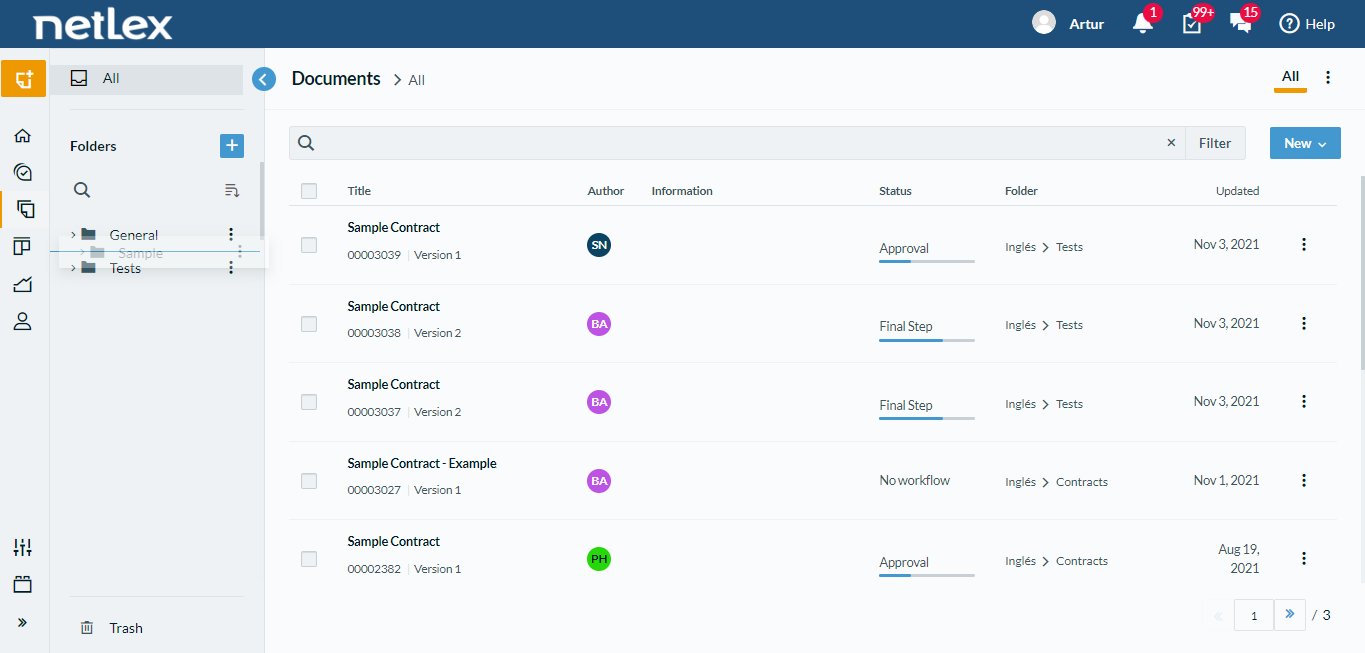
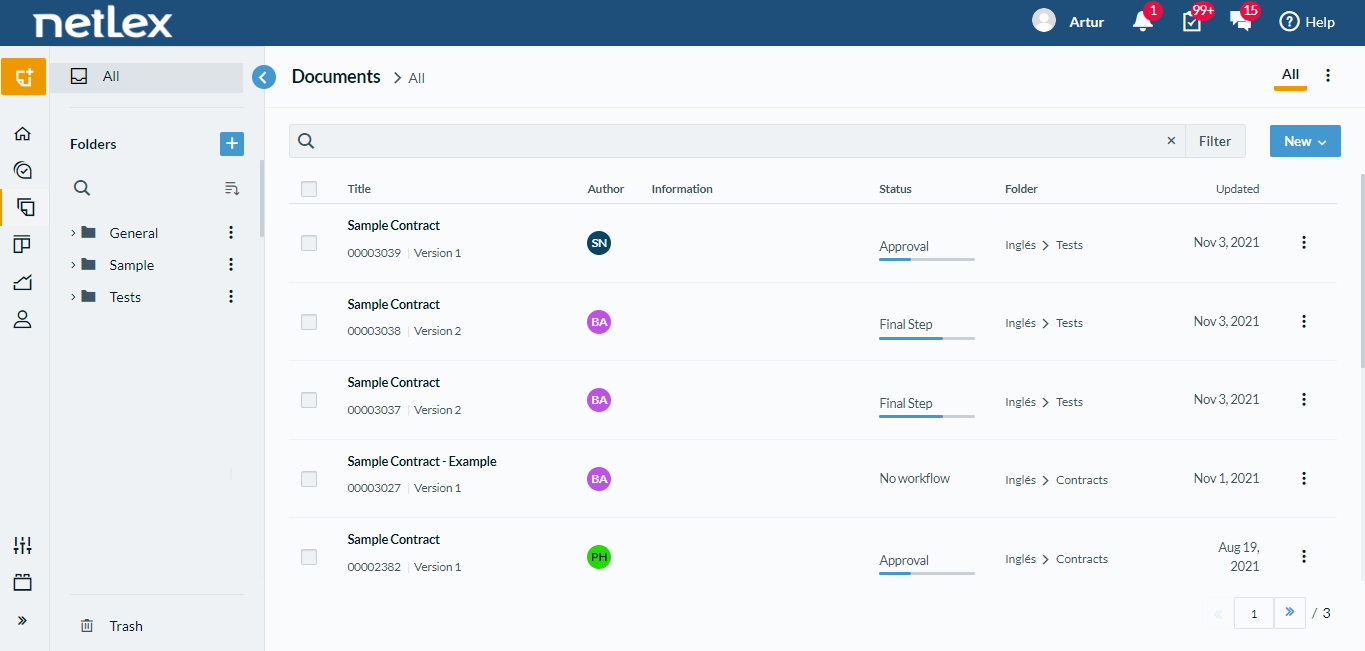
Also, in the custom order, you can change the order of folders as desired. To do this, just click on the folder where you want to change the order, and then drag it to the desired position.
Comments
0 comments
Please sign in to leave a comment.