
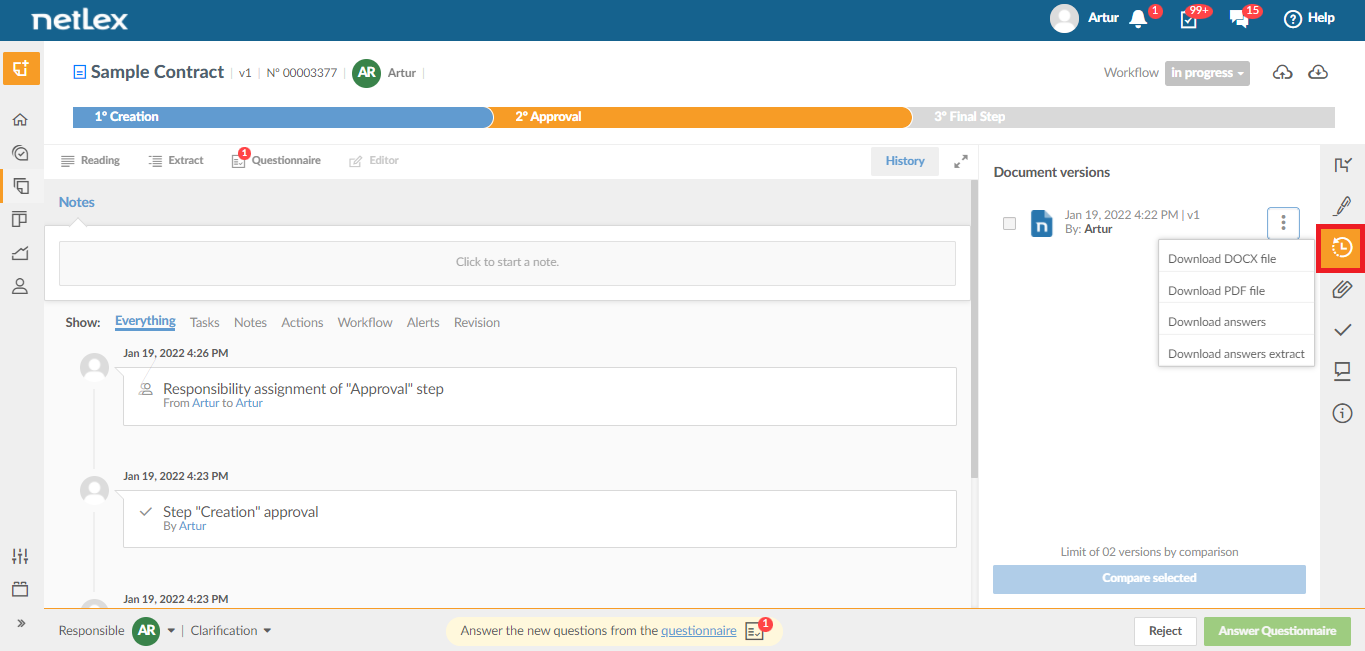
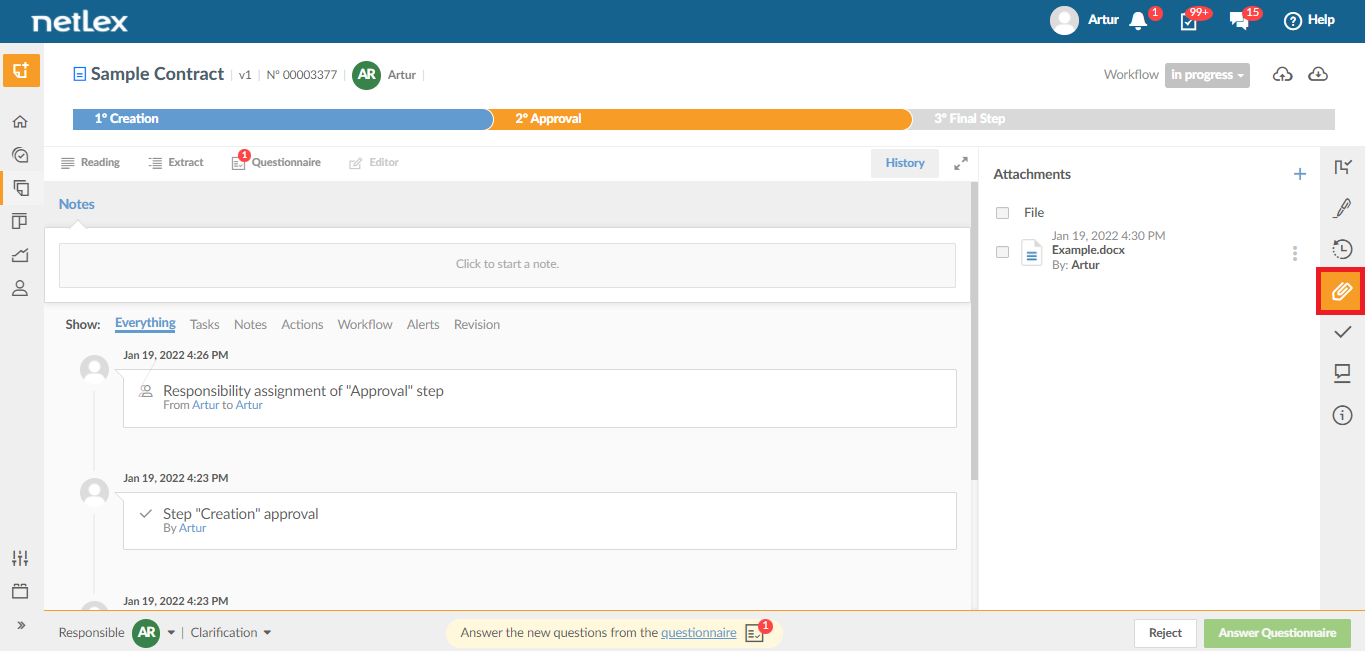
When entering a document through the “Documents” page, you will have access to its management screen where the “History” tab is located, with a record of all the actions performed. In addition, in the sidebar on the right, it is possible to access the different versions of the document and the attachments inserted in the respective icons.
See each of them:
1. History: All changes made to the document will be recorded in the history, so you can refer to them later. For example, if you prepared the document and it was approved by the Legal Department, the dates of each movement will be saved.
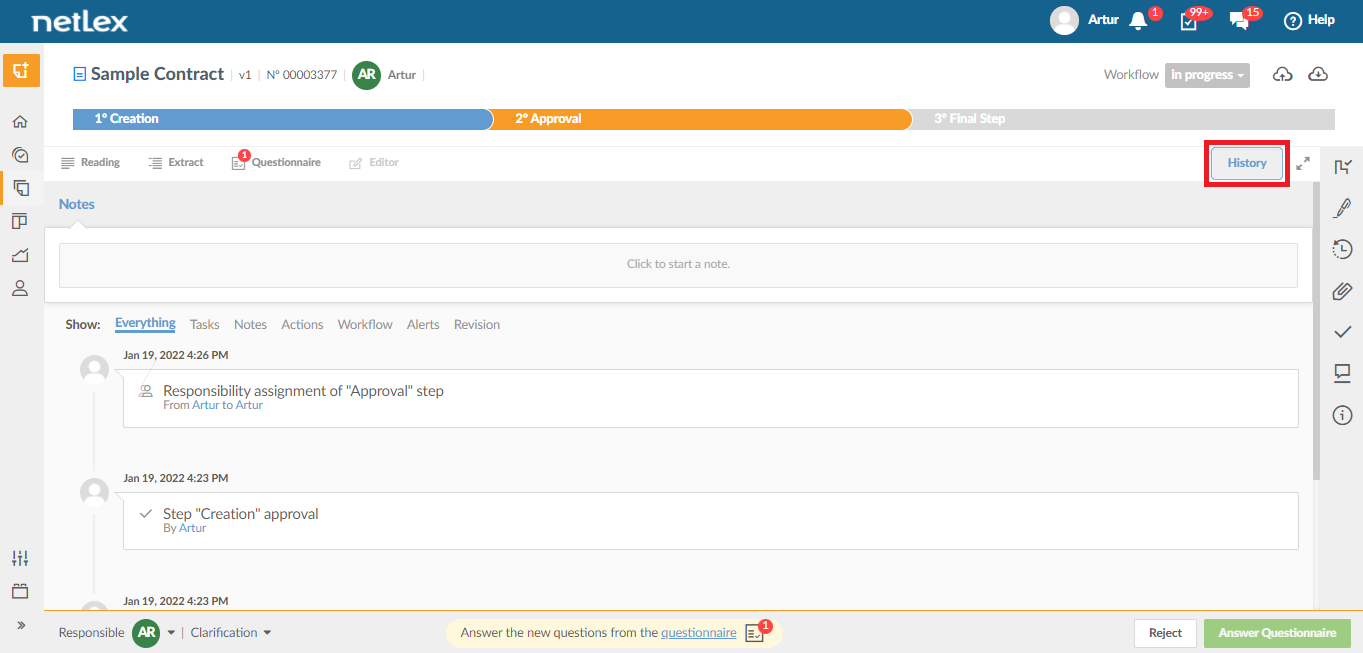
You can also choose which parts of the history you want to view: "Everything", "Tasks", "Notes", "Actions", "Workflow", "Alerts" or "Revision". In this way, it is possible to locate the desired information more precisely.
2. Document versions: you will have access to all versions of the document in question, being able to rescue previous versions to compare, download or restore.
3. Attachments: Any attachment you include through the questionnaire or via document upload will be present in this field. They can be useful for parsing the main document!
Comments
0 comments
Please sign in to leave a comment.