
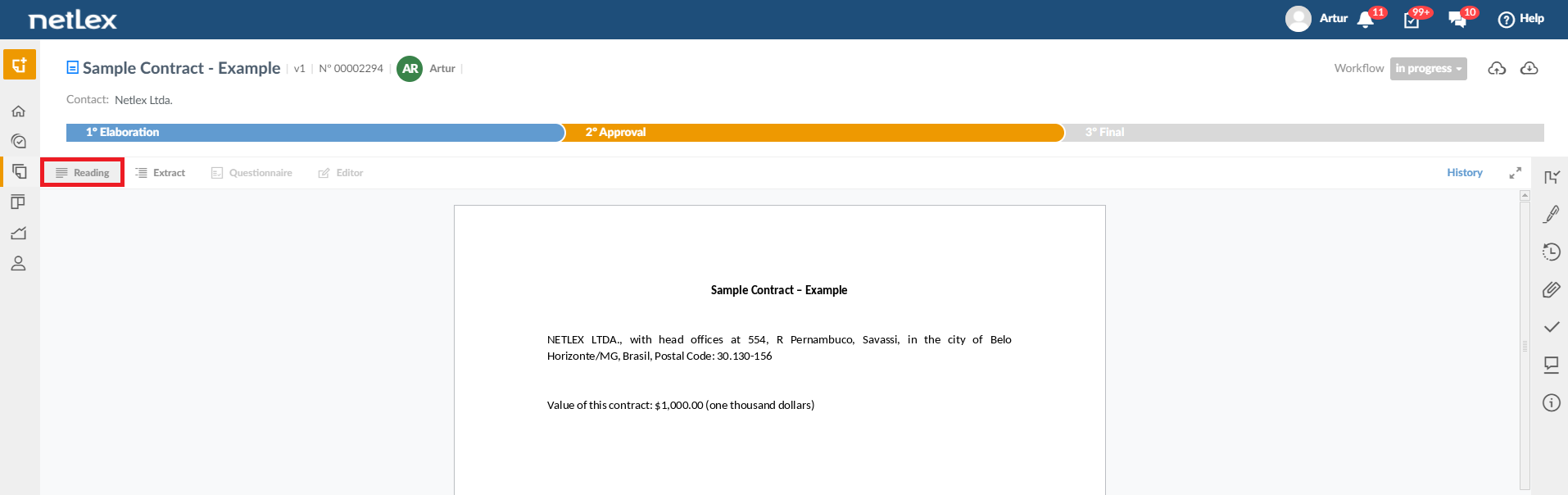
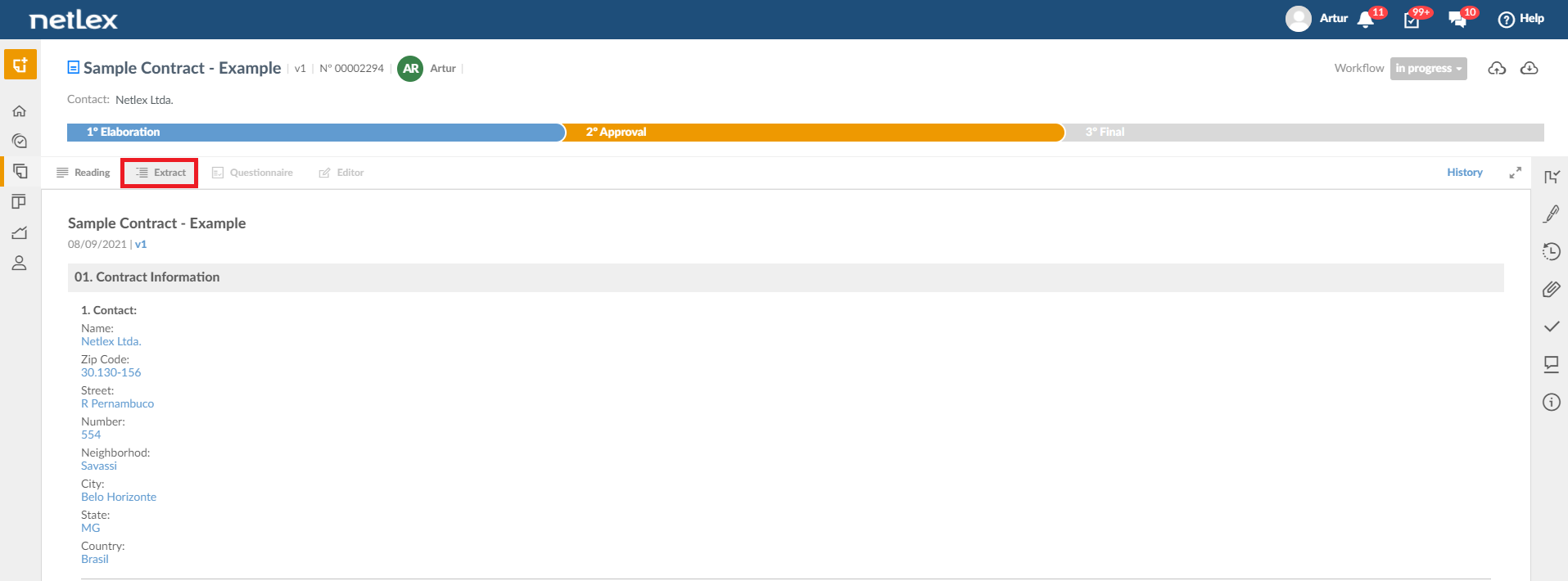
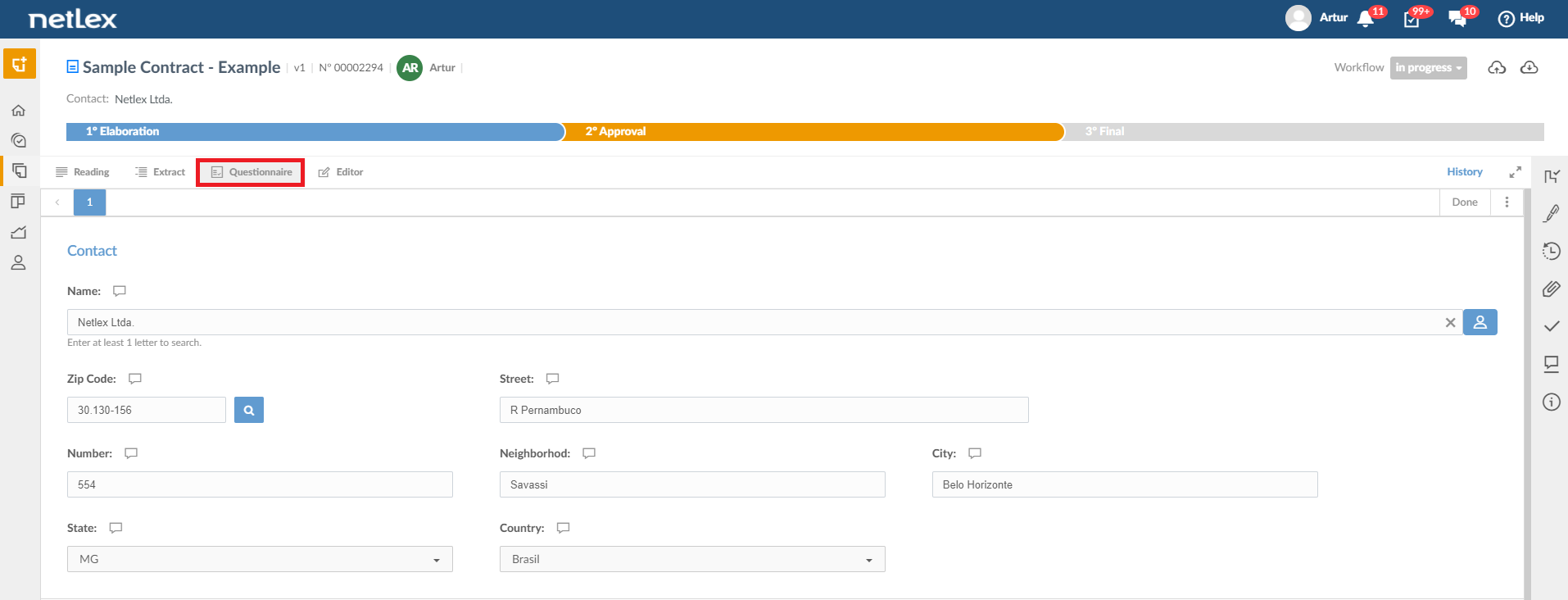
When entering a document that has already been created, it is possible to view it in four different ways:
- Reading Mode: final version of the document with all appropriate text formatting.
- Extract mode: view the extract of answers entered in the questionnaire. It's faster to see the answer to a specific question.
- Questionnaire mode: access to the questionnaire itself which has already been completed, through which it is possible to change any data if necessary (remembering that every change is saved in the document's history).
- Editor Mode: Viewing the document in a Word-like mode, through which it is possible to freely edit the document.
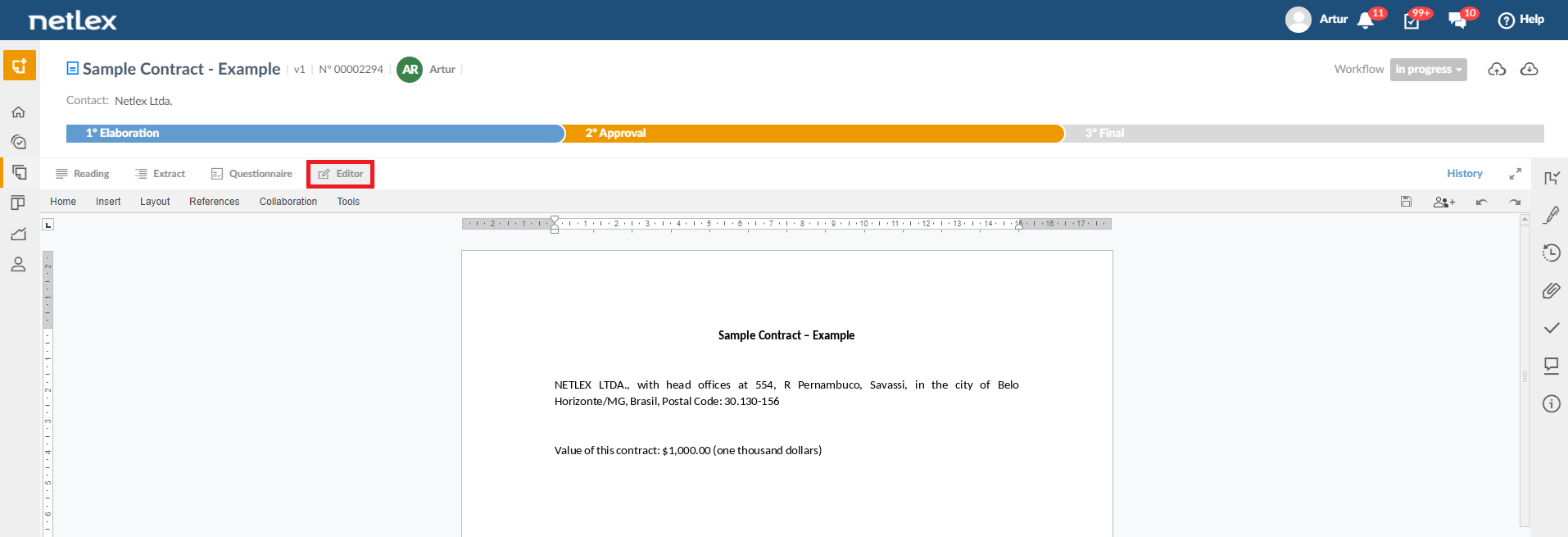
Note: This last feature (Editor Mode) can be released or not depending on the access profile chosen by your company.
Comments
0 comments
Please sign in to leave a comment.