
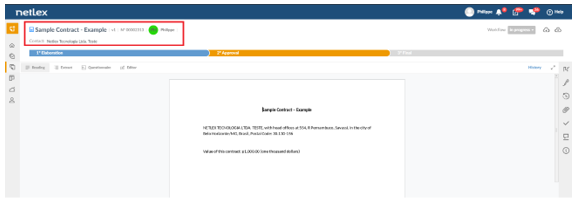
When clicking on a document from the “Documents” page, you will be taken to the document management screen. In it, you can view the data according to the completion of the questionnaire. At the top of the screen, you can identify some basic information about the document:
- Document name
- Viewed version
- Numbering and author
- Parts involved: borrower and service provider, for example.
- Start and end of term: the platform can automatically calculate
- Value: it can be the value of the good sold or the rent value multiplied by the duration of the lease, for example.
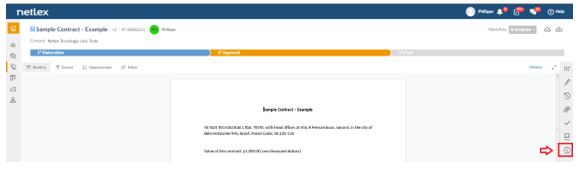
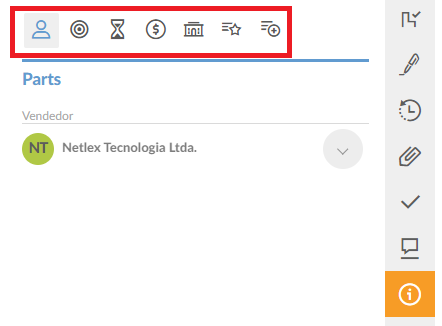
In addition, in the “Information” icon located on the bar on the right of the screen, the document data is presented in a structured way and is faster to access. This data is automatically extracted according to its type and subtype and is customizable.
For example, for a contract:
- Contract parts
- Object
- Dates and deadlines: subscription date and effective start and end dates
- Financial: value, currency, payment method, indexation and risk
- Forum: type, name of the arbitration chamber, description, state, city and district elected
- Special clauses
- More information: customizable field, shows some additional information if it has been configured in the workflow.
Comments
0 comments
Please sign in to leave a comment.