
What is a workflow and how to manage it on NetLex.
Processes involving a certain document, such as review and approval by different sectors of the company, are organized in a workflow. This flow is determined by your company and pre-configured during NetLex implantation in your company.
A workflow will always be composed of steps, which usually correspond to the steps that the company sees in that flow. At each step, rules are established to define the approvers. These rules are based on the data filled in the questionnaire (eg: contract value, elected forum, etc.) and by the organization of the company (eg: sectors and teams). Each step will also have its deadline (SLA) defined.
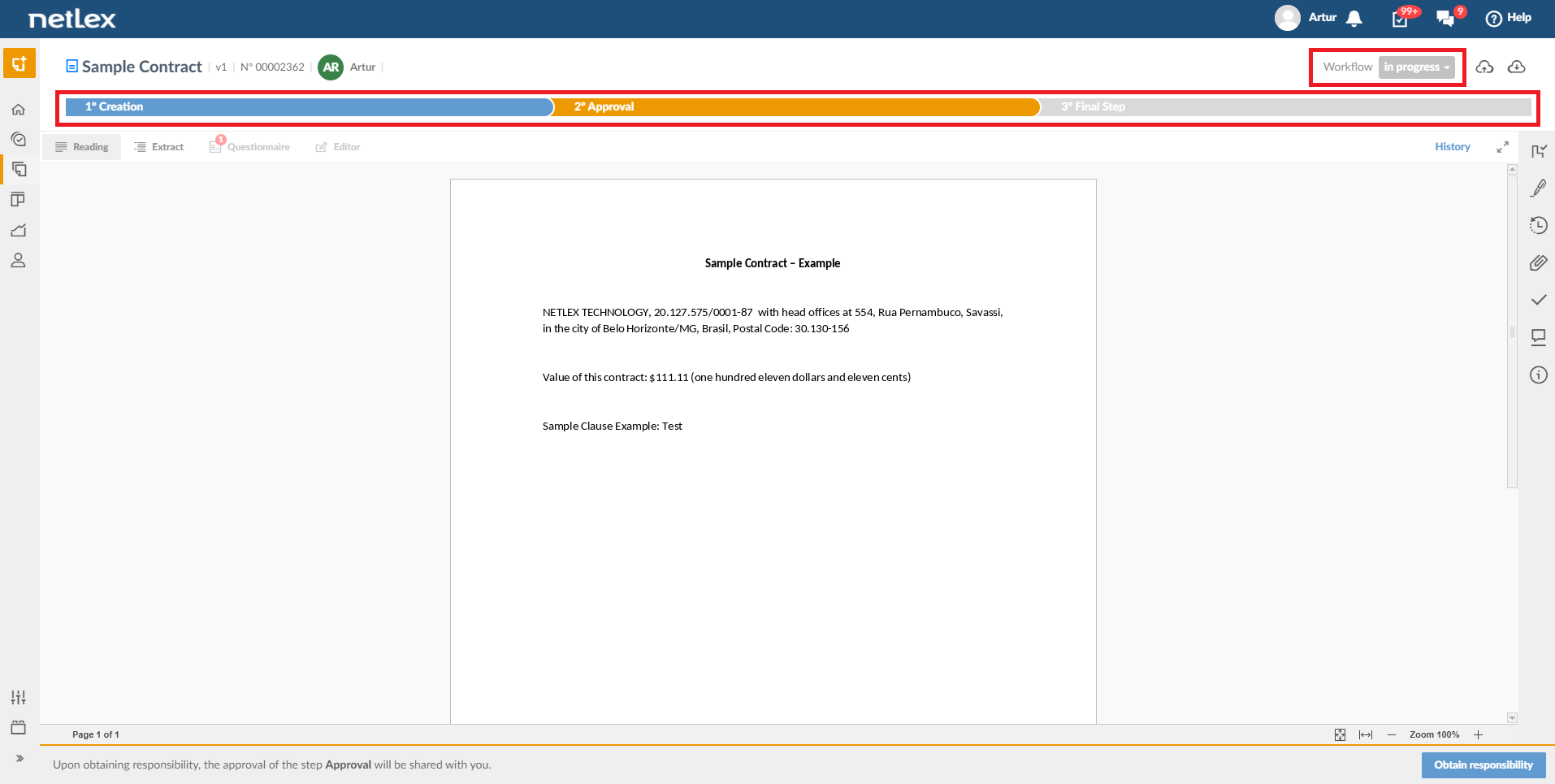
Workflow steps can be viewed by clicking on a document, looking for its name or number on the “Documents” page. On this same screen, you can view the workflow status and the deadline to perform the task.
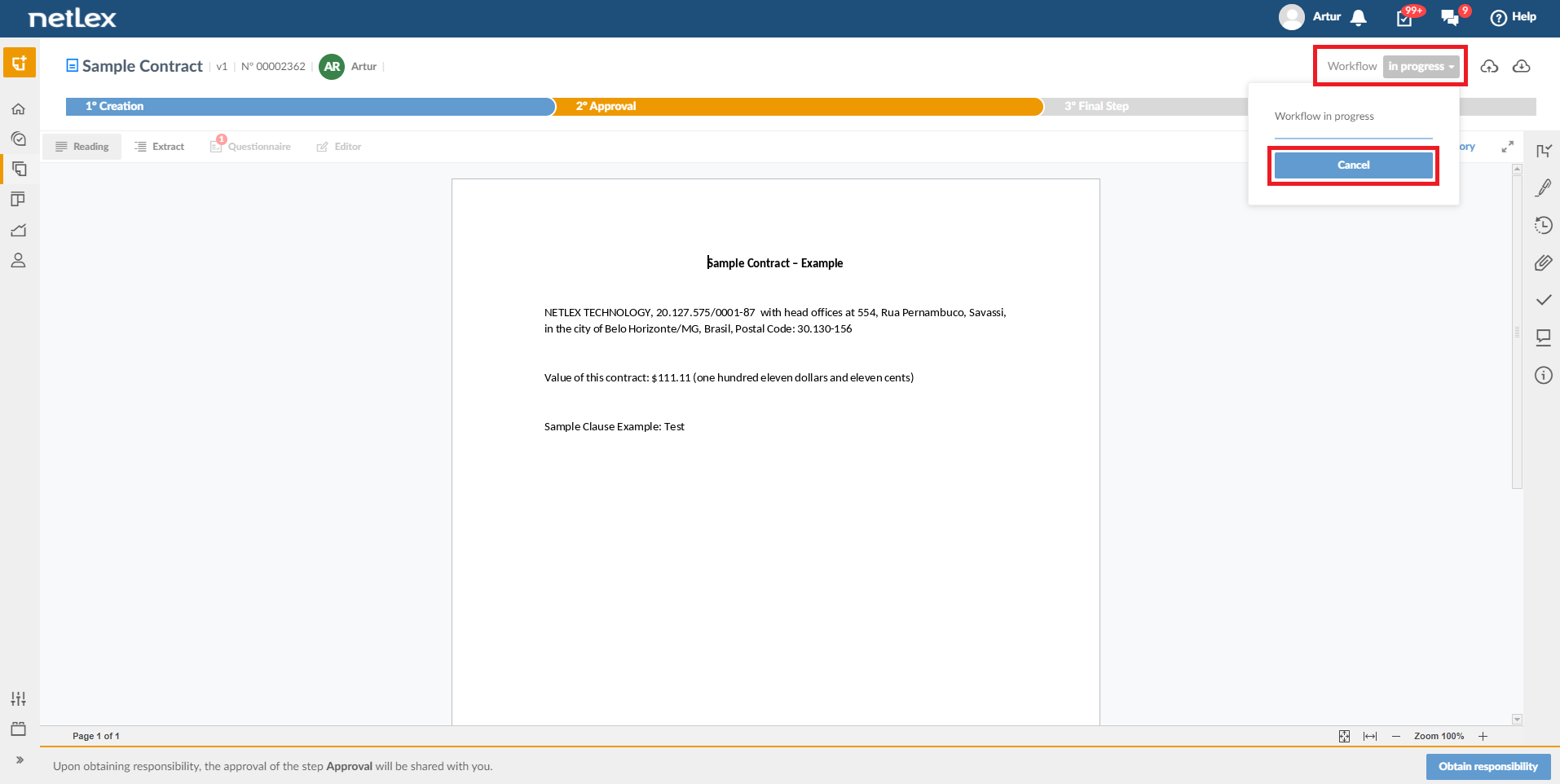
It can be canceled if necessary by clicking on the workflow status button and selecting the “Cancel” button.
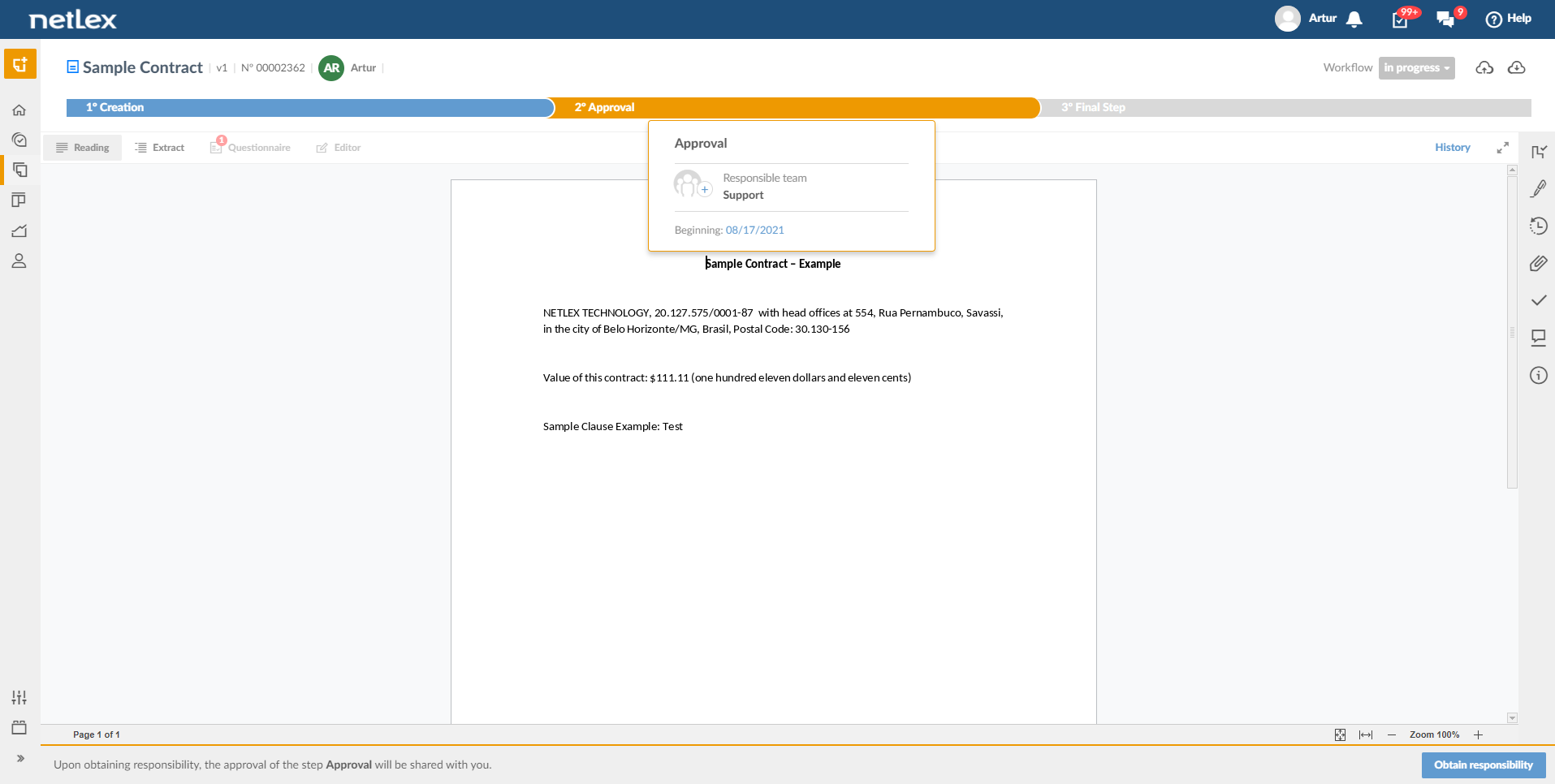
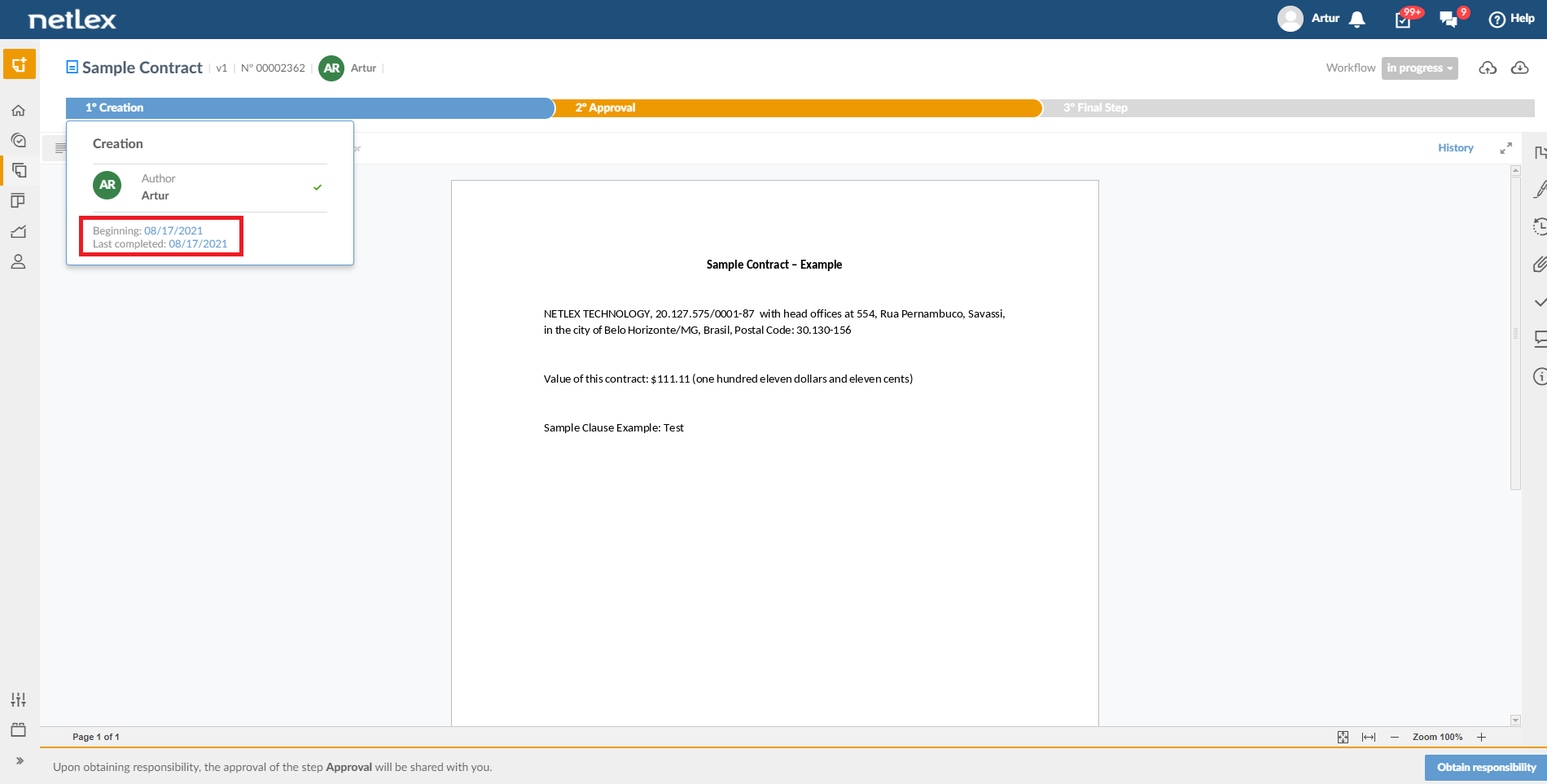
You can use the mouse cursor over each step of the workflow to see who is responsible for it, the start date, the deadline and the completion date, if you have already gone through these steps.
Furthermore, when a workflow step is directed to a team and you are part of it, you can assign the person responsible for that step.
If you are responsible for a workflow step, activities will be generated for you. They appear on the “Activities” page and act as shortcuts for you to come to the document and perform the necessary analysis. Learn more in “Actitivy View”.
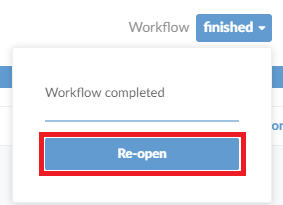
At the end of all steps in the workflow, that workflow is completed. If you need to go back to working with this document, it can be reopened by clicking the workflow status button and then clicking “Reopen”.
Comments
0 comments
Please sign in to leave a comment.