
How to request a formal clarification about a document for a user at your company.
The request for formal clarification can be made in cases where there was no clarification via chat or in person. For example, information about a document is missing or something has become contradictory or obscure and it was not possible to contact the applicant by other means.
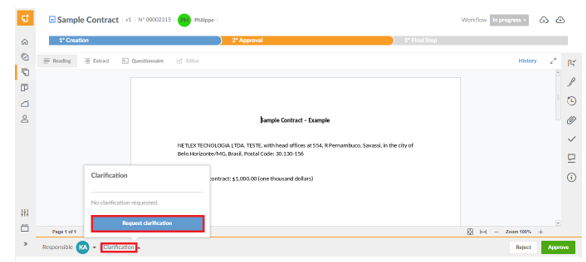
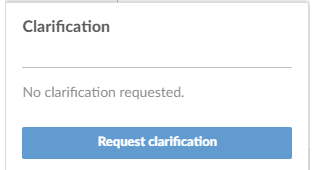
In this case, the formal request can be made through the platform. To do this, you must access the “Documents” option on the left side menu, access the desired document, and click on the little arrow next to the “Clarification” option on the bottom bar, and then you must click on “Request clarification”. After that, just write a message and send.
When this request is made, the deadline for performing the task is suspended until there is a response. At this point, a red pause symbol is visible next to the deadline:

Upon receipt of a return, the deadline runs again. The time that the deadline was stopped during the clarification is rewarded in the deadline of the stage, in working days.
As with the request for an extension of time, the request for clarification and its response appear in the document's history on the platform.
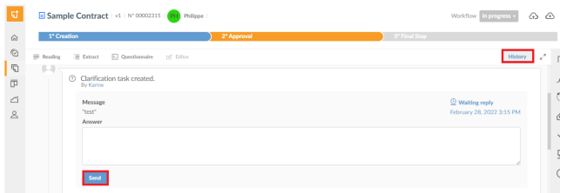
After making the request for clarification, the author will receive an email directing him to the response field of the request. To respond to a request for clarification directly through the platform, the user must access the "History" of the document on the platform, where the request will be available. Just fill in the answer field and click "Send". The answer will also be stored in the document's history, and after the return, the deadline will run normally again.
Comments
0 comments
Please sign in to leave a comment.