
How to edit and remove shortcuts already created.
After the shortcuts are created, they will be visible to you or everyone in the company on the home page. It may happen that a shortcut is created with a configuration error, for example. Then, it becomes necessary to edit or remove the shortcut.
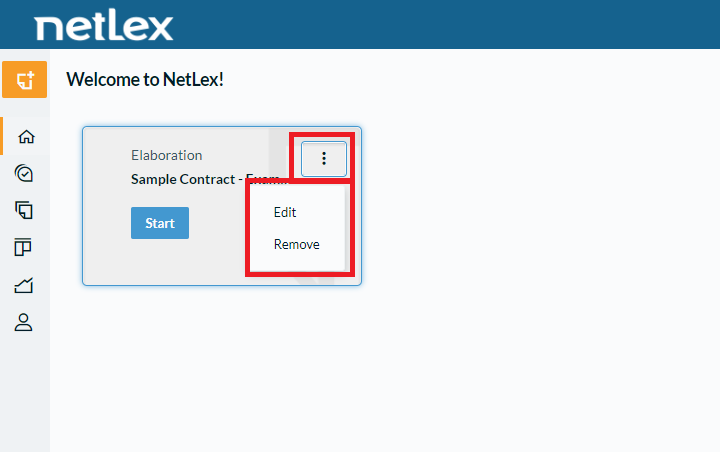
To edit or remove the shortcut, you need to access the system's home page and click on the button symbolized by the three vertical dots of the desired shortcut. After these steps, the “Edit” and “Remove” options will be presented.
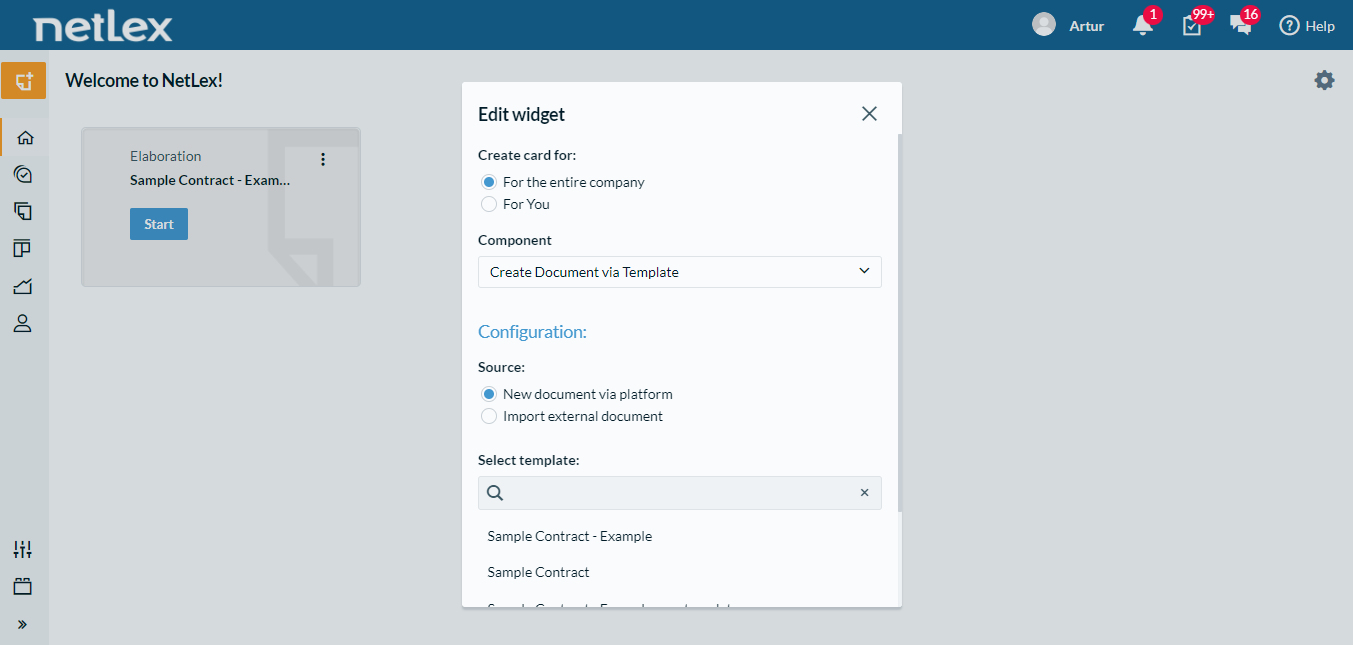
If you click on “Edit”, the shortcut configuration page will open, allowing edits to be made and saved.
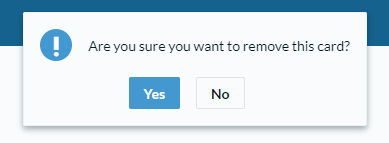
If you click on “Remove”, a warning will appear asking if you really want to remove it. If you click “Yes”, the shortcut will be permanently removed.
Comments
0 comments
Please sign in to leave a comment.