
How to view contact management information on the platform?
The Contacts Management feature allows the registration of additional information about the legal entity contacts of the platform. To view this information, you must access the contacts menu as shown in the image below:
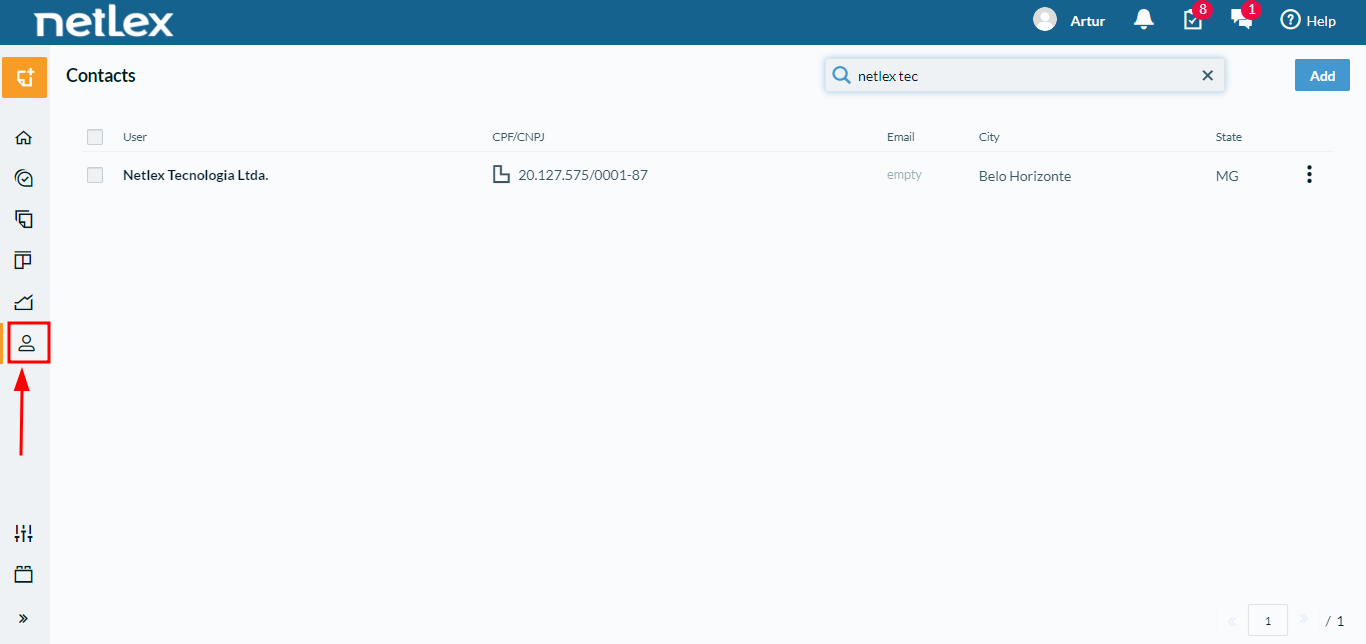
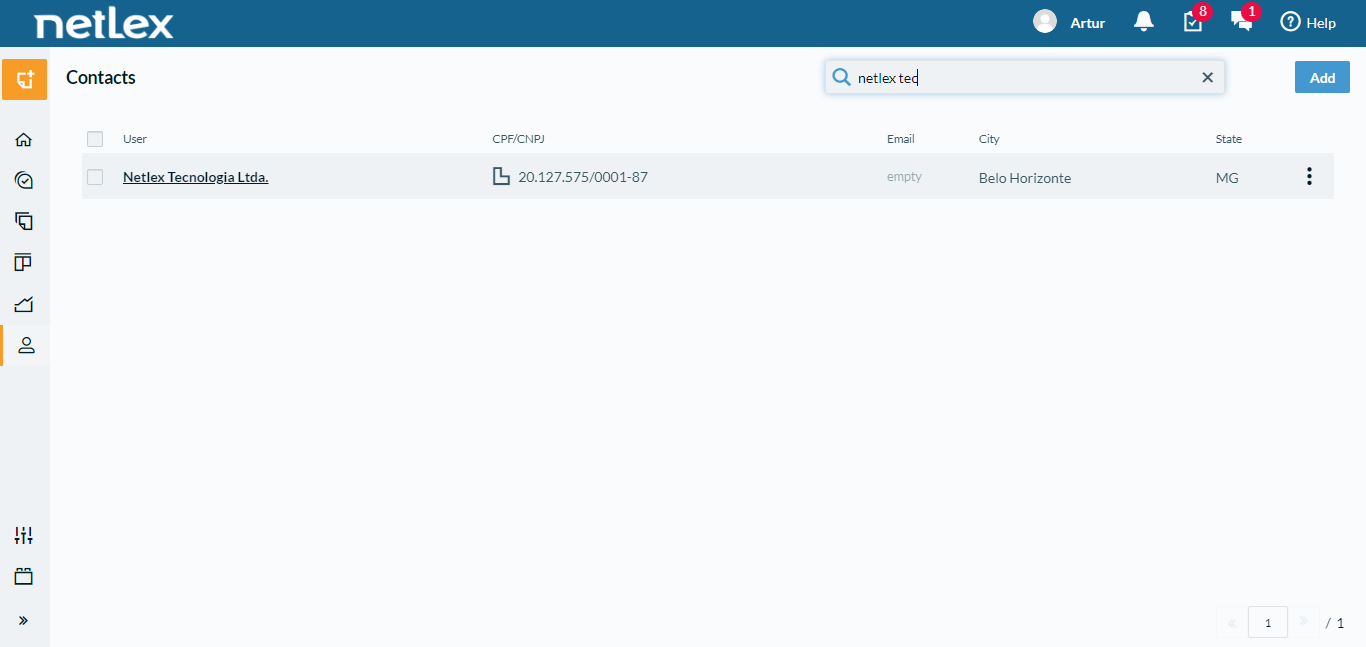
Within the contacts menu, you must search for the desired legal entity. Then, click on the desired contact to open more information.
Inside the contact's registration, "Tabs" will be presented where the information registered by your company for that legal entity will be located. The "information" tab is standard and will be available for all contacts on the platform, but additional tabs will be available as customized by your company.
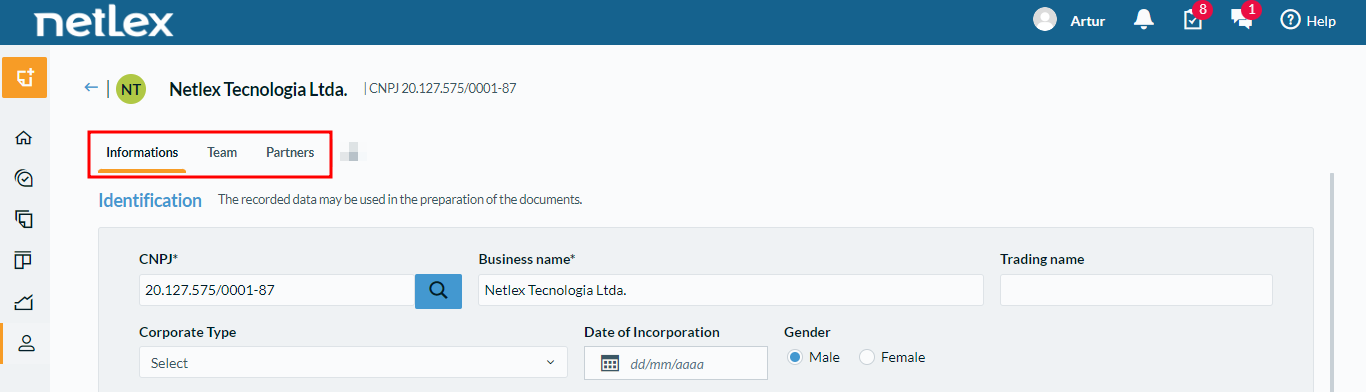
Through the tabs, it will be possible to perform faster, practical, and reliable queries about the contacts' information.
Note: The registration of individuals does not include this feature, remaining with the simplified registration, containing the information necessary for their identification.
If you are an administrator, click here to learn how to configure this feature.
Comments
0 comments
Please sign in to leave a comment.