
How to create and organize folders and subfolders
It is possible to organize all the company/office document templates through folders so that the correct documents are available for each area.
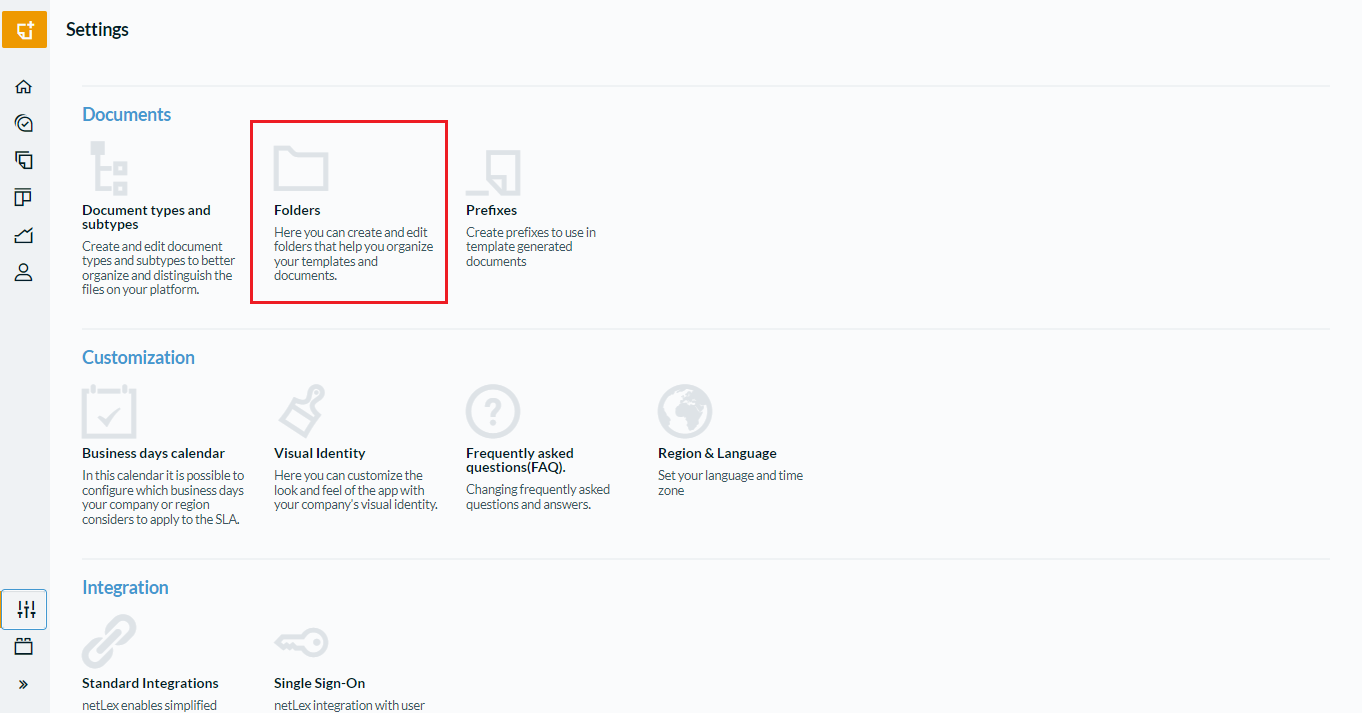
Click on "Create New" to create new folders.
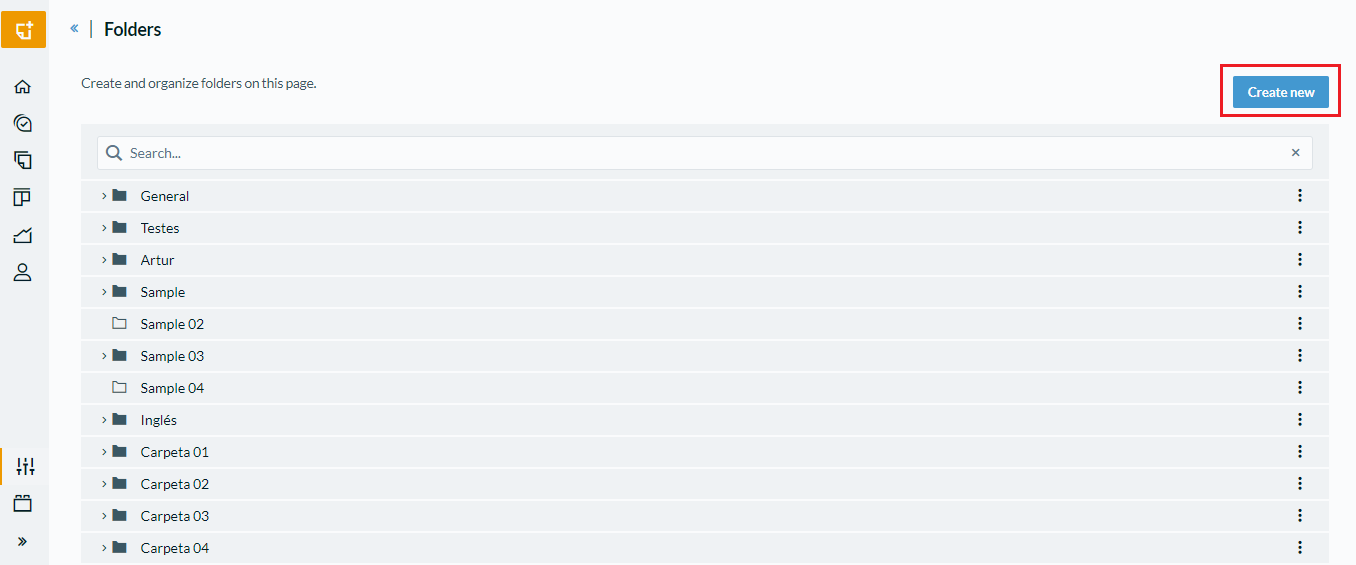
Create a name for the folder, for example Legal:
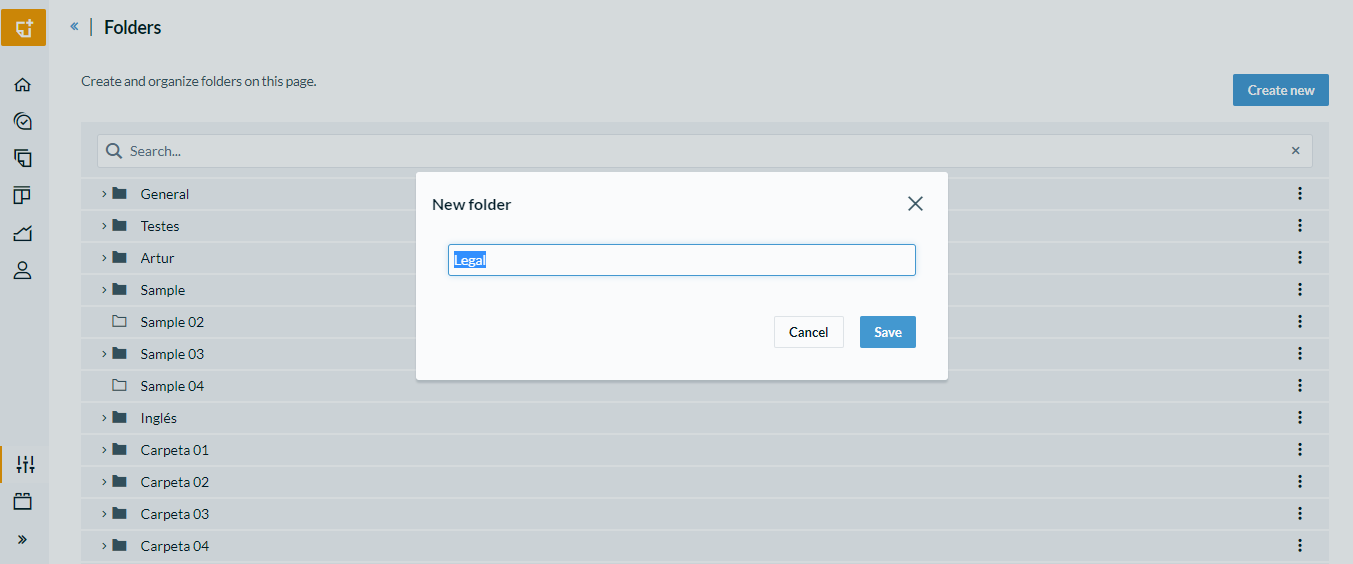
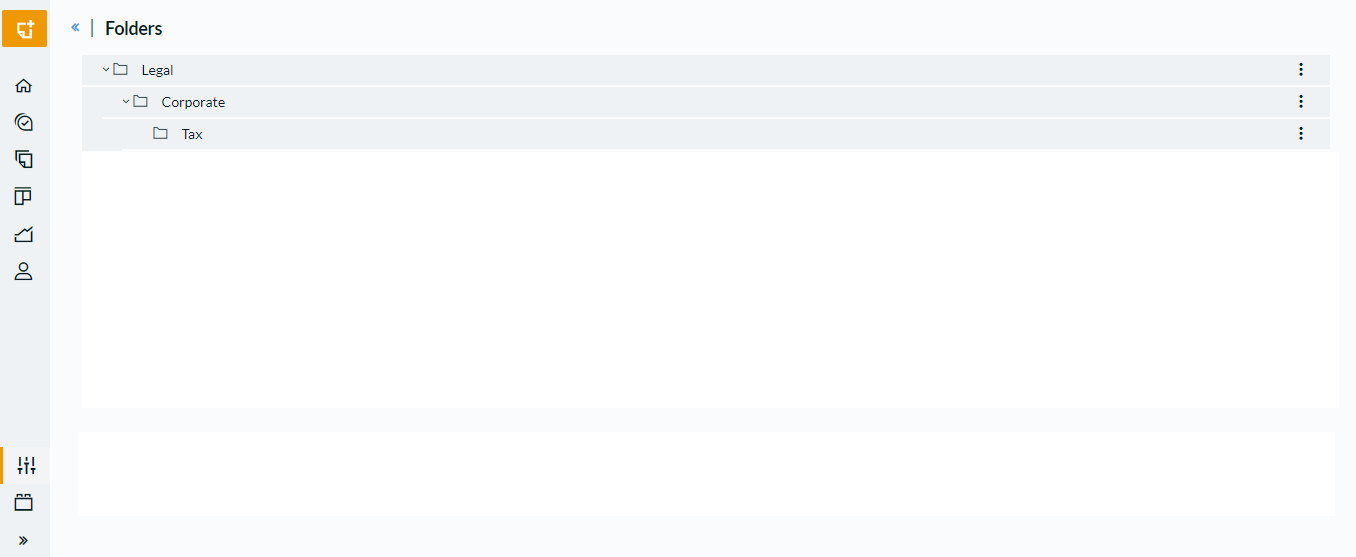
You can also create subfolders to better organize the templates. To create a subfolder you must first select the root folder and click on the "Three dots" button.
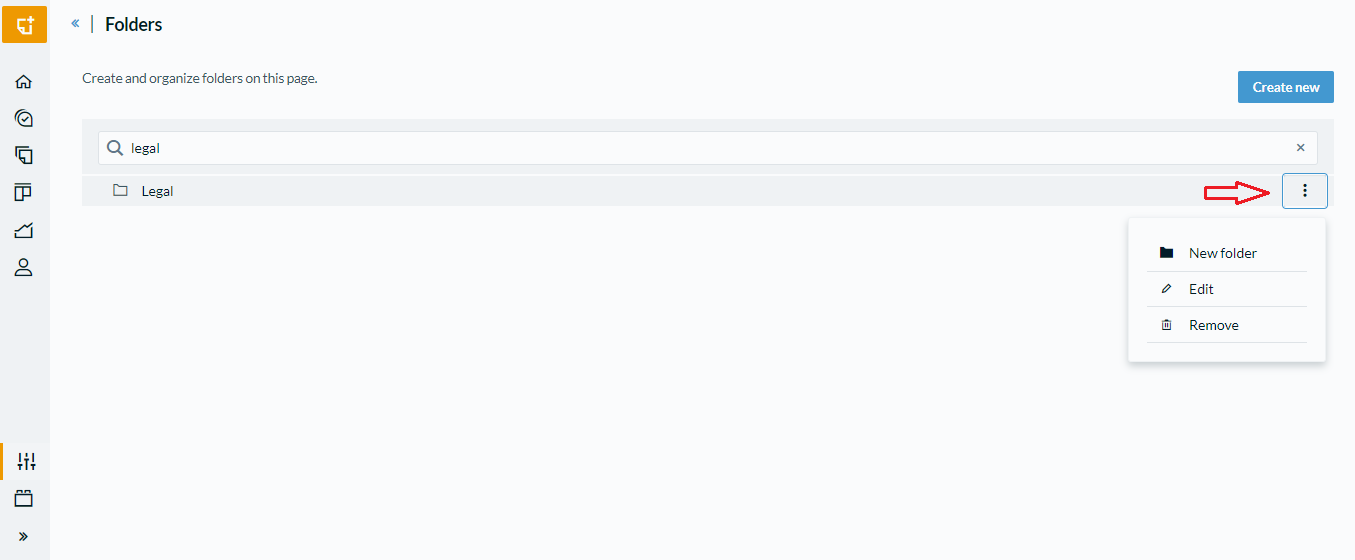
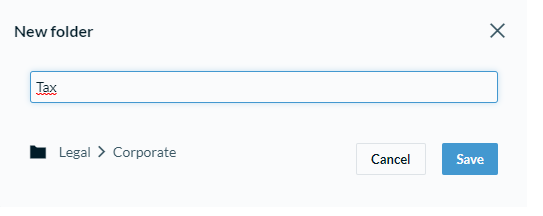
Create a name for the folder, for example Corporate, Tax:
It's possible to locate a folder through the Search Bar. To find a folder, just type part of the name or the full name of the folder and the result will appear next.

Comments
0 comments
Please sign in to leave a comment.