
How to create document type and subtype
Organize your documents according to their nature. It's possible to organize documents into groups, according to the types of documents that are used in your company or office, such as:
contracts, corporate acts, requests, etc.
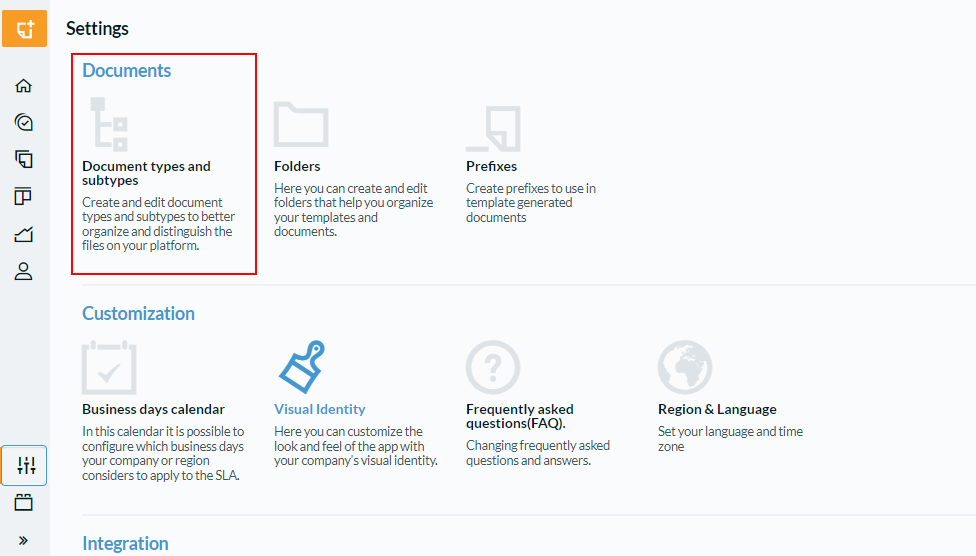
To create a new type or subtype, access the "Settings" menu and click on "Types and subtypes" as shown in the image below:
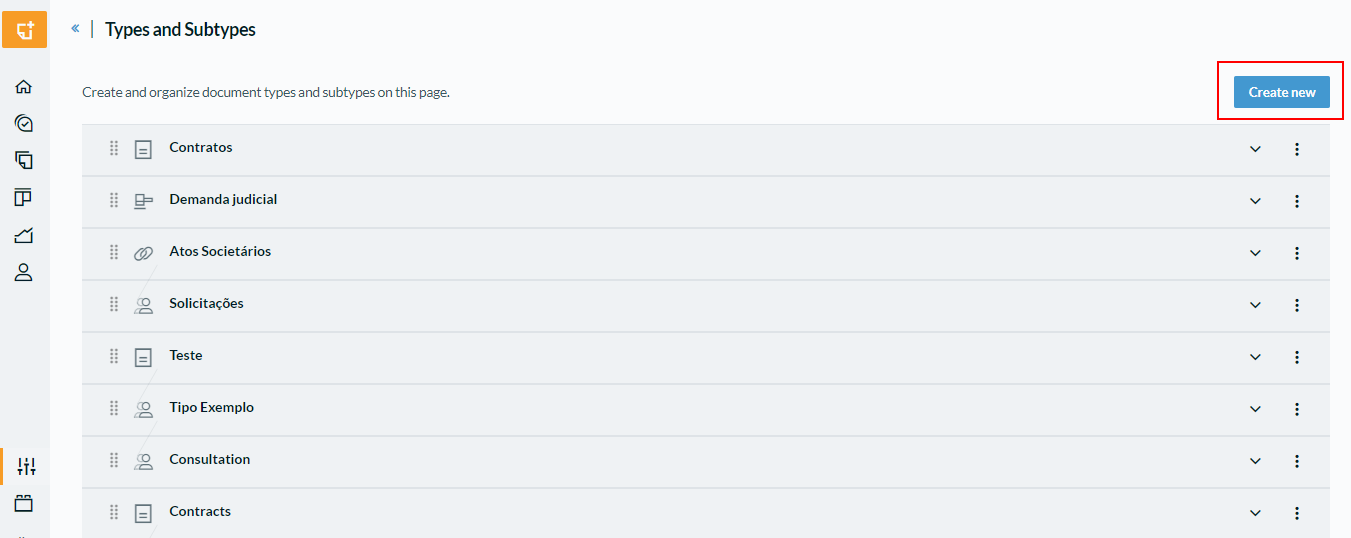
Some types already exist on the platform by default, but you can define new ones. Just click on “Create New”.
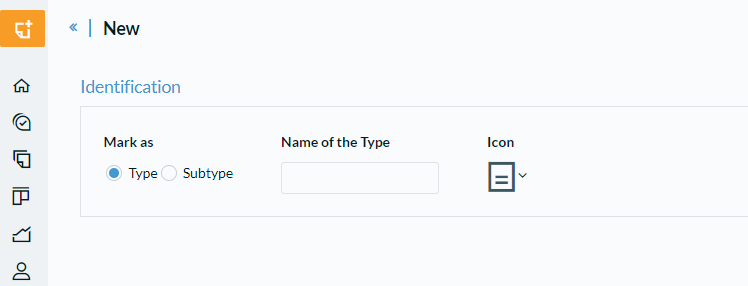
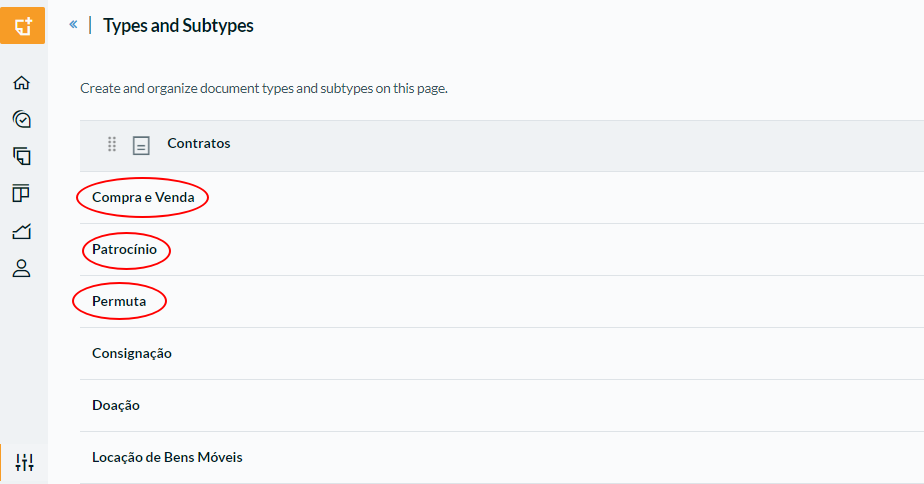
The type identifies the document species and the subtype specifies the genre. If the type is "Contracts", for example, the subtypes could be: provision of services, donation, purchase and sale, etc.
Examples of Types:
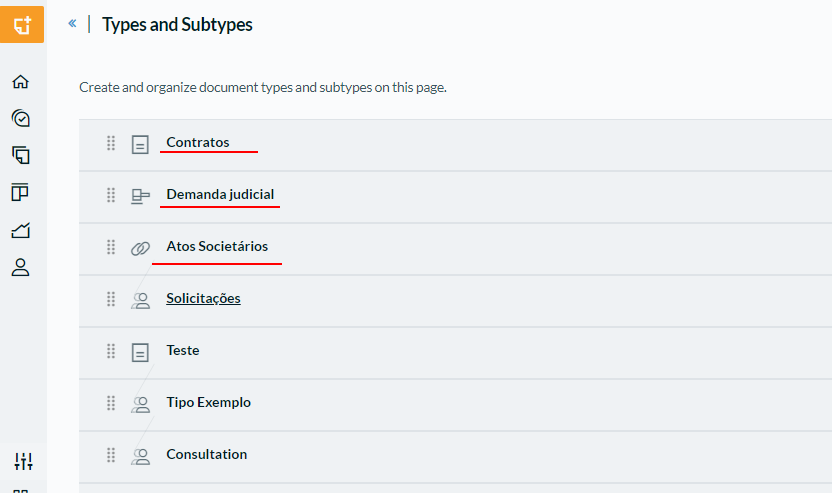
Examples of Subtypes:
Comments
0 comments
Please sign in to leave a comment.